
School Platform
One connected platform for everyday school operations
Bring admissions, attendance, fees, exams, timetables and parent communication together—so your team can work from organised, up-to-date school records.
How the records connect
Enter a student once. Use the record everywhere.
Create a student record during admission. The same record is then used for attendance, the fee account, exam reports and messages to parents.
Diya Baruah
Class 7B · Roll 02 · Adm. no. 2024/118
- Guardian
- Pranab Baruah
- Admitted
- April 2024
One student record
Demonstration dataAttendance
21 of 22 days
September
Fee account
₹8,500
Term 2 instalment
Exam report
83 / 100
Term 1 · Maths
When Diya is marked absent or a report card is published, her parents receive the update from the same record.
Modules
Six modules, one set of school records.
Choose a module to see what it does. Start with the ones your school needs most.
Take applications through to enrolment, and keep one complete profile for every student.
- Applications and enrolment
- Class and section allocation
- Student profiles with guardian details
- Student documents in one place
Find any student's details without searching through admission files.
Admissions
2026–27 intake · 48 applications
| Applicant | Class | Status |
|---|---|---|
| Ananya Gogoi | Class 1 | Enrolled |
| Ishaan Deka | Class 6 | Pending |
| Riya Saikia | Class 3 | Enrolled |
| Arjun Nath | Class 9 | Review |
Who uses it
The right view for every role.
Everyone works from the same records, but each person sees the screens that fit their work.
- Enrolment and attendance at a glance
- Collections and outstanding dues
- Reports for meetings and inspections
School summary
Principal's view · today
928
Students
94%
Attendance today
₹4.9L
Fees this term
| Report | Period | Status |
|---|---|---|
| Attendance by class | September | Sent |
| Fee collection | Term 2 | Sent |
| Term 1 results | Classes 1–10 | Review |
Teacher tools
Prepare classwork, share assignments and record progress from one place.
- 1
Prepare
Write lesson plans against your timetable and syllabus, week by week.
- 2
Share
Set assignments with due dates. Students and parents see them straight away.
- 3
Record
Review submissions and enter marks, which flow into progress reports.
AI question papers
Choose the class, subject, chapters and marks, and ReCampus drafts a question paper. Every paper is a draft: the teacher reviews, edits and approves each question before it is used.
Paper generation uses AI credits. The number of credits included for your school is set out in your quotation.
Question paper · Draft
Class 8 · Science · Chapters 3–4 · 40 marks
- Q1. Name the process by which plants make their food. (1 mark)Approved
- Q2. Explain why a candle flame goes out when covered by a glass jar. (3 marks)Approved
- Q3. Draw and label the parts of a flower. (5 marks)Review
- Q4. Compare conduction and convection with one example each. (4 marks)Review
Teacher review: 2 of 4 questions approved
Mobile access
School work, from a phone.
Teachers and parents can use the ReCampus mobile apps for everyday tasks. Ask us for the download links during your demo.
Class 7B · Attendance
9:41Period 1 · 32 students
Aarav Sharma
Roll 01
Diya Baruah
Roll 02
Kabir Das
Roll 03
Meera Kalita
Roll 04
Rohan Bora
Roll 05
Mark class attendance.
Assignments & notices
9:41Due this week
Fractions worksheet
Maths · due Thu
Water cycle diagram
Science · due Fri
Notices
Parent–teacher meeting
Saturday, 10:00 am
Annual sports day
Uniform: house colours
View assignments and notices.
Diya · Class 7B
9:4196%
Attendance
A
Term 1 grade
Present today
Marked 8:52 am
Term 2 fee
Instalment 2 of 3
Term 1 report card
Published 4 Oct
Science project
Feedback from teacher
Check student updates.
Onboarding
How your school gets started.
- 1
Configure your school
We set up your academic year, classes and sections, staff roles and the modules you have chosen.
- 2
Import existing records
Send us your student, fee and class records as Excel or CSV files. Our team checks and imports them with your office staff.
- 3
Train your team
Separate sessions for office staff, teachers and management, each focused on the work that group does.
- 4
Get ongoing support
Reach the ReCampus support team by phone or email whenever your staff need help.
Access permissions
Each person sees only what their role needs. Your school decides who has access.
Activity log and backups
Actions in the platform are logged, and school data is backed up regularly.
Data export
Your records belong to your school. You can export them whenever you need to.
Customer example
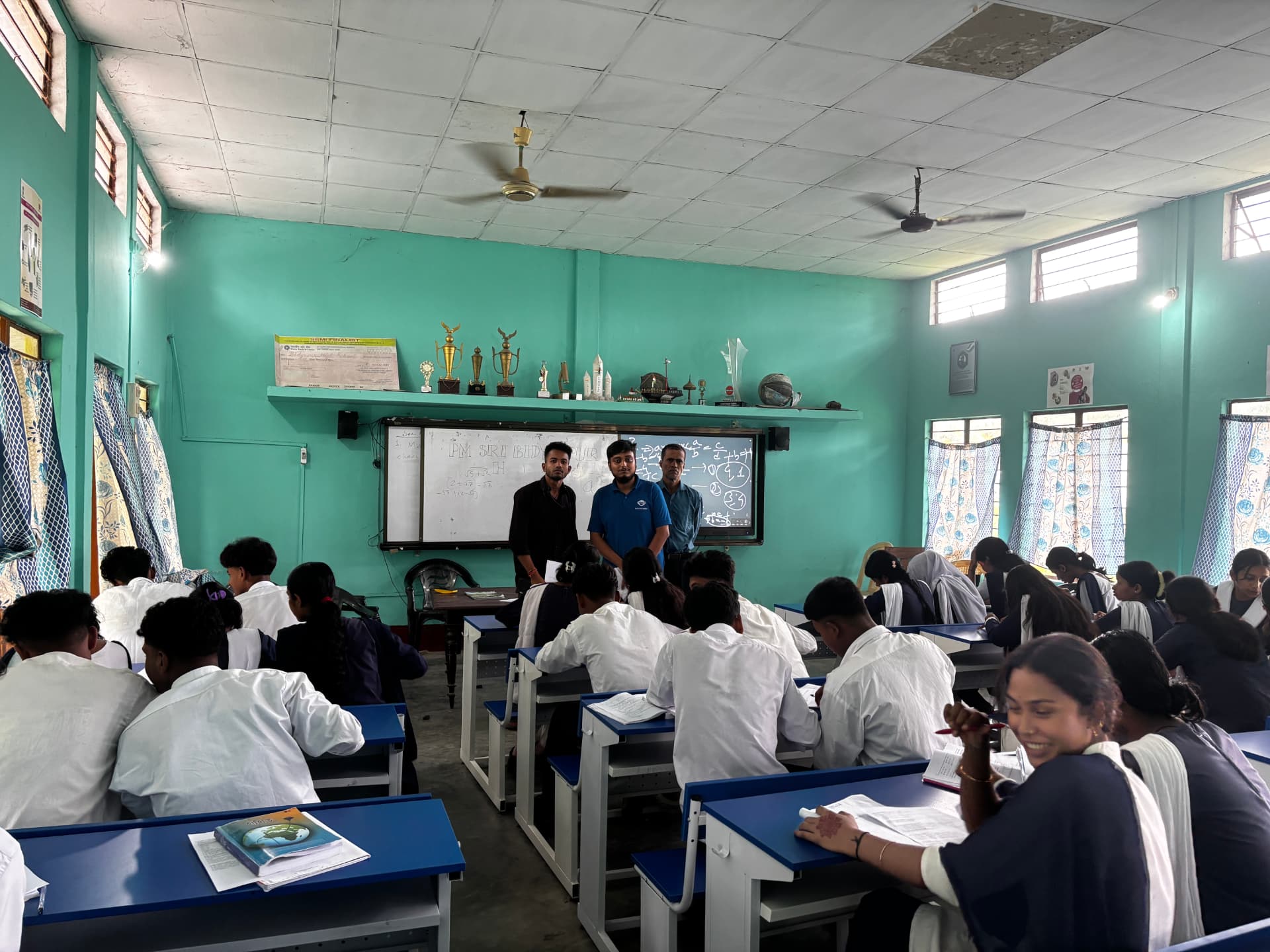
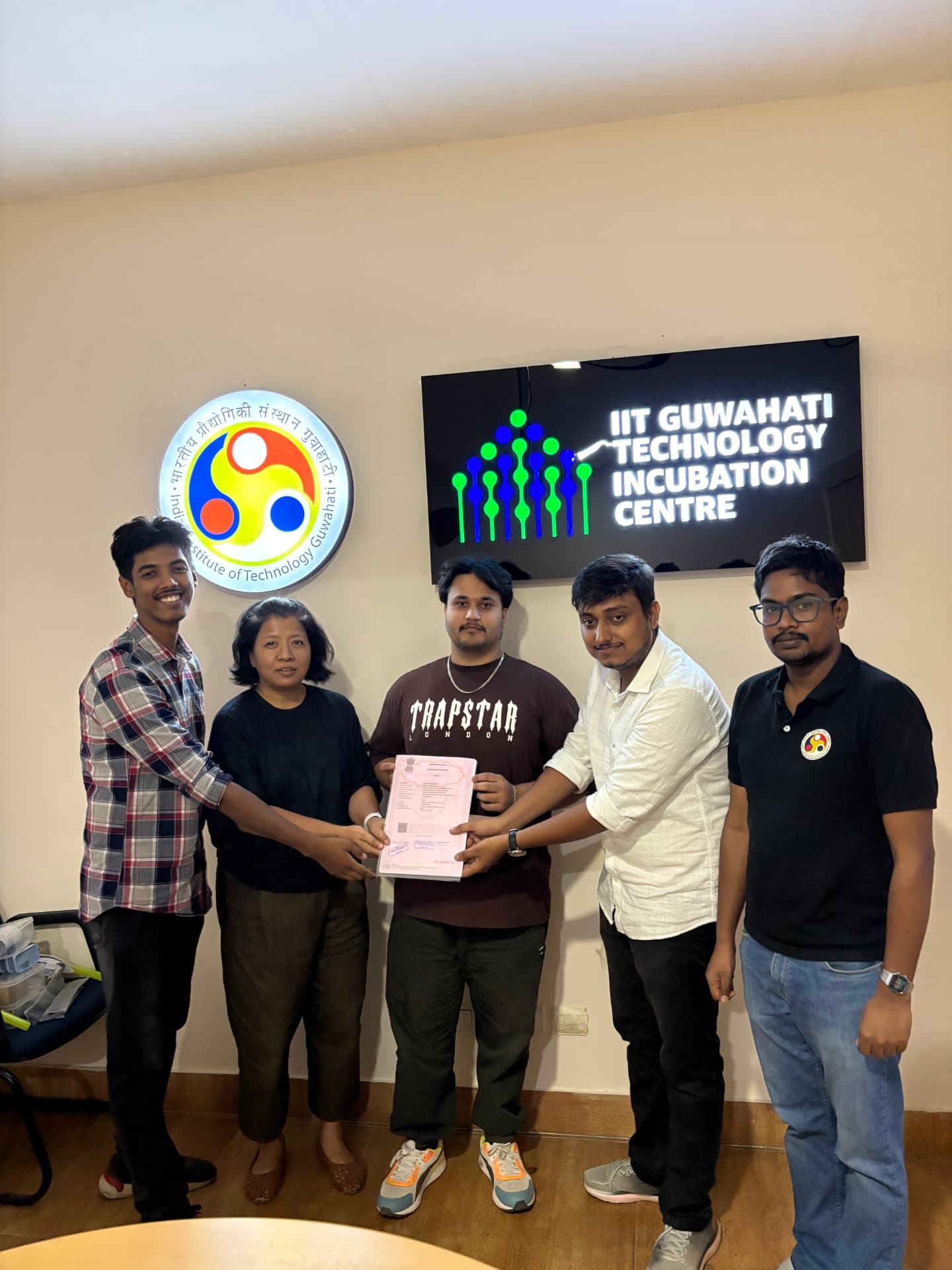
One school's attendance, off paper.
One school, one term, one workflow that stopped needing a paper register.

What changed
Attendance that used to take three periods a week is now logged in five minutes, and parents hear about an absence the same day.
“The difference was not one big system. It was that the same record now works for the office, the classroom and the parents.”FAQs
Practical questions, answered.
Book a demo
See how ReCampus would work for your school.
Tell us a little about your school. We will arrange a demo focused on the work your team does every day.
We use your main requirement to plan the demo, so you see the modules that matter to your school first.